SafeNest, Rethinking Parental Control as a Shared Experience
A dual-app system that gives parents peace of mind - and gives kids a reason to build healthy screen habits of their own.
Role
Product Designer
Timeline
6 Months (2024-25)
Target Users
Parents with children aged 8-15
Project Type
M.S. Thesis Project

context
Kids moved online faster than parents could possibly keep up.
Secondary research showed that screen time was no longer a small parenting concern - it had become part of everyday childhood. Kids were learning, playing, socializing, and building habits through screens. These numbers pointed to a problem families were already living with every day.
9/10
children aged 7–12 worldwide now own an internet-enabled device
97%
of children as young as 12 are on social media
3.65h
average daily time spent on apps, despite the stress it causes
70%
of those kids report feeling stressed and anxious online
research
Understanding why parental control often turns into conflict
I spoke with 12 parents of children aged 8–15 to better understand how families manage their children’s digital activity. The goal was to validate the problem space and understand parent’s concerns around online safety, day-to-day experiences with monitoring and how existing tools fit into their routines.
I also conducted 1 stakeholder interview to gain real-world insight into how digital safety and content filtering are approached in practice.
Research Synthesis (at glance)
The goal was to uncover where parents struggle the most

key INSIGHTS
Interview synthesis revealed three recurring pain points across parent’s experiences:
Concerns over social media content
10/12
“What her father and I are most worried about is sexually inappropriate content...and maybe suicidal or self-harm content.”
p5
Difficulty in monitoring content
8/12
“YouTube is not very good at filtering, literally in a child account you can find adult content.”
p1
Limitations of monitoring tools
7/12
“When we’re around him, it’s easy to track. But when we’re at work then the child of course is alone in the living room so we don't know what exactly my kid is watching.”
p12
What parents told me they actually want
“We want to know what our child is watching — without constantly checking their phone.”
Visibility, not surveillance
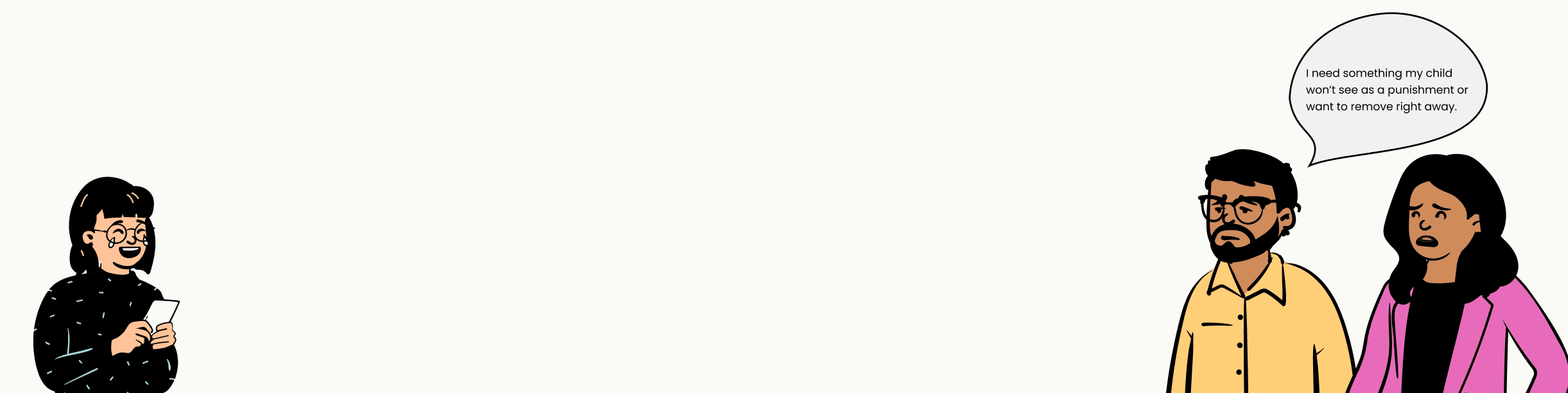
“I need something my child won’t see as a punishment, or want to remove right away.”
Buy-in from the kid
“Something that doesn’t take a lot of time to set up — otherwise it’s too hard for busy parents.”
Low effort, high trust
DESIGN OPPORTUNITY
Every tool on the market serves only one side of the relationship.
Auditing Qustodio, Bark, Net Nanny, and router-based controls revealed a common pattern: every product was designed primarily for parents. Children were expected to follow rules but had little ownership or motivation to build healthier digital habits. This revealed an opportunity to design a solution that supports both sides of the relationship.
SOLUTION
Introducing SafeNest. One nest, two apps - both sides win.
SafeNest pairs a parent app with a kids app. Parents get the right set of monitoring tools and real-time updates; kids get a friendly, fun, reward-based experience that encourages healthier digital habits.


Where the market falls short
Qustodio
Fewer features on iOS; premium plans get costly for larger families.
Net Nanny
Delays in real-time alerts; an interface users find hard to navigate.
Bark
No uninstall protection on iOS; limited screen-time controls.
Routers
Unfriendly setup; bypassed by mobile data, VPNs
How SafeNest is different
Dual Focus: Supports both parents and children
Friendly, Reward-Based Experience for Kids
The right monitoring tools + real-time updates — not a wall of dashboards
Built to fit real family routines, not complicate them
DESIGN PROCESS
Before the pixels came the thinking.
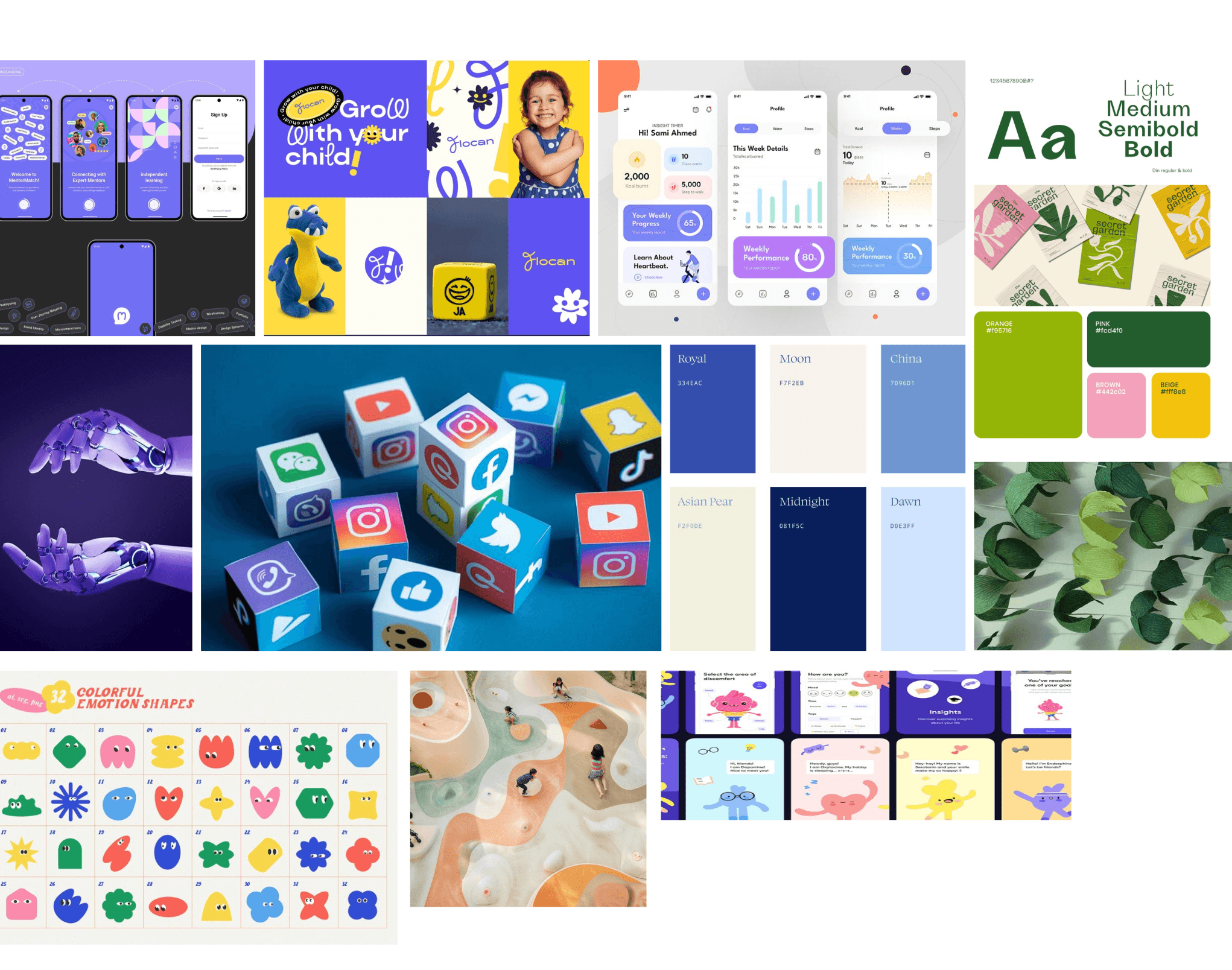
After defining the product direction, I used storyboards, user flows, wireframes, and a design system to work through how SafeNest would actually feel in daily family routines. This helped me move from a research idea to a usable parent-and-child experience.




the product - Parent app
Designed around everyday parenting moments.
Rather than adding more work for parents, SafeNest focuses on the interactions they use most often. The following features show how the app helps families stay informed, set healthy boundaries, and guide better digital habits.
Setup & Pairing
Onboarding pairs the parent and child devices, sets a security PIN, and lands parents on a home screen that answers the only question that matters at a glance
Setting healthy boundaries
The Control Hub brings all parental controls into one place. Parents can manage screen time, app restrictions, content filters, and custom modes, making it easy to set boundaries that fit their child's routine.
Understanding digital habits
Parents can view screen time, app usage, learning activity, and daily trends through clear visual insights, helping them understand patterns instead of constantly checking their child's device.
Child's daily journal
The Daily Journal lets parents understand what their child is engaging with online, not just how much time they spend, so they can have better conversations and tailor controls to their child's needs.

the product - kid’s app
Did someone say gamified?
The kids’ app turns screen-time rules into goals children can understand and follow. With a buddy, candies, progress tracking, journal prompts, and fun facts, the experience helps kids build healthier digital habits without making it feel like punishment.
USABILITY TESTING
Five parents, three design corrections.
I conducted moderated usability testing to see if the users could complete key tasks, navigate the app confidently, and see how the app could help them.


USABILITY TESTING results
Across usability tasks, I measured task completion, confidence, and ease of use to understand how parents moved through the prototype and where the experience needed improvement.

VALIDATION
Would parents actually want this?
Before investing in a full product, I ran lightweight validation experiments to understand whether parents would find the concept valuable and be interested in using it.
TEST 01 · MECHANICAL TURK
Will parents engage when alerted?
METHOD
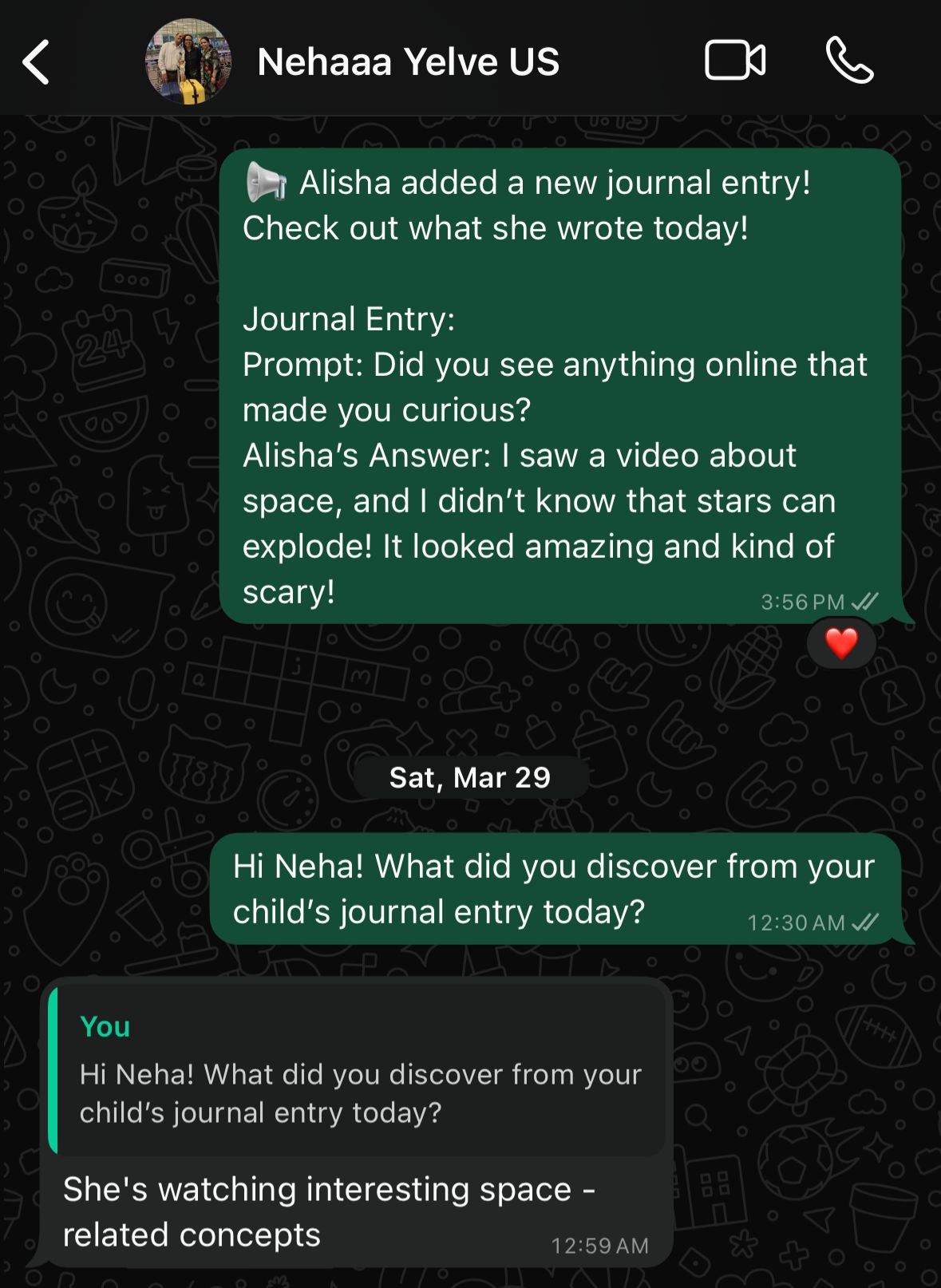
For a week I was the app, sending parents WhatsApp “journal notifications” with their child’s daily entry.
TARGET
≥ 3 of 5 parents open the notification, read the journal entry, and respond within 24 hours.

ENGAGEMENT RATE
5/5
target
At least 3 of 5 parents
pass
TEST 02 · FACADE
Do parents need custom content filters?
METHOD
Built a clickable facade of the Controls screen to measure interest in customizable content filters through early access sign-ups.
TARGET
≥ 6 of 12 parents sign up for early access
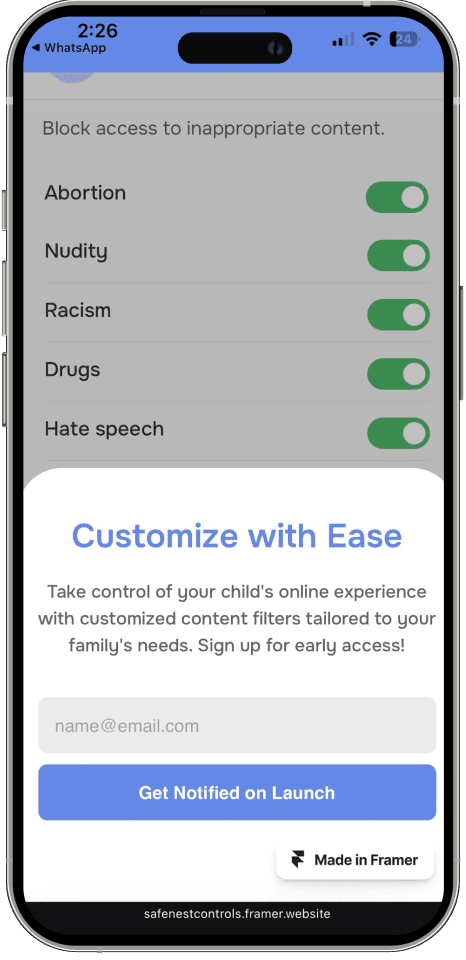

Form field for users to enter email id.
CTA was linked to a third party site that was collecting sign ups.

ENGAGEMENT RATE
4/12
target
At least 6 of 12 parents
FAIL
TEST 03 · FAKE FRONT DOOR
Will parents show interest in a tool like SafeNest?
METHOD
Launched landing page, posters to measure interest through early access sign-ups.
TARGET
≥ 20% of visitors sign up for early access

Fake Landing Page

Ad poster


CONVERSION RATE
14/53
target
26.4% signed up for early access
pass
product strategy
What success looks like post - launch
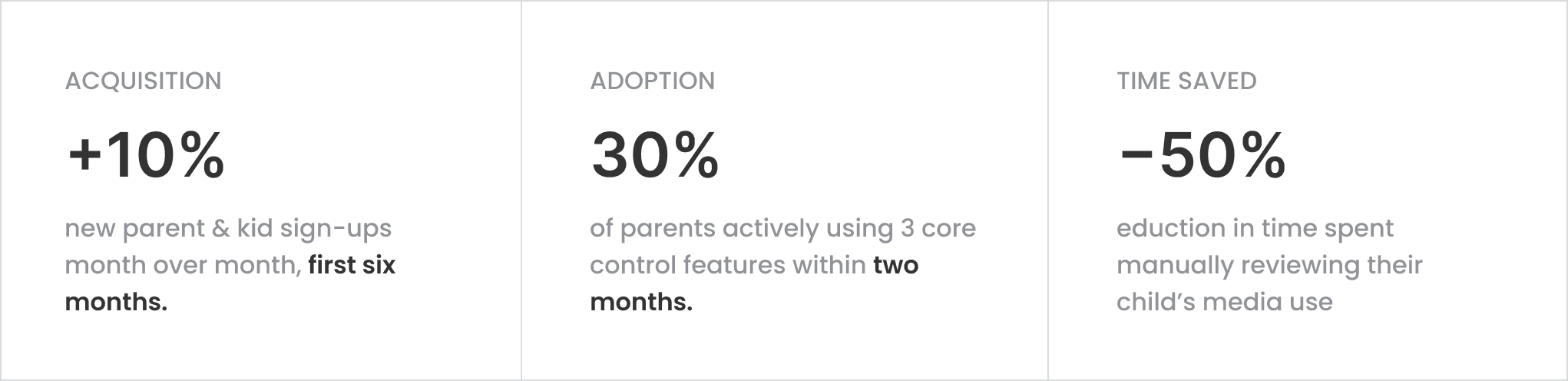
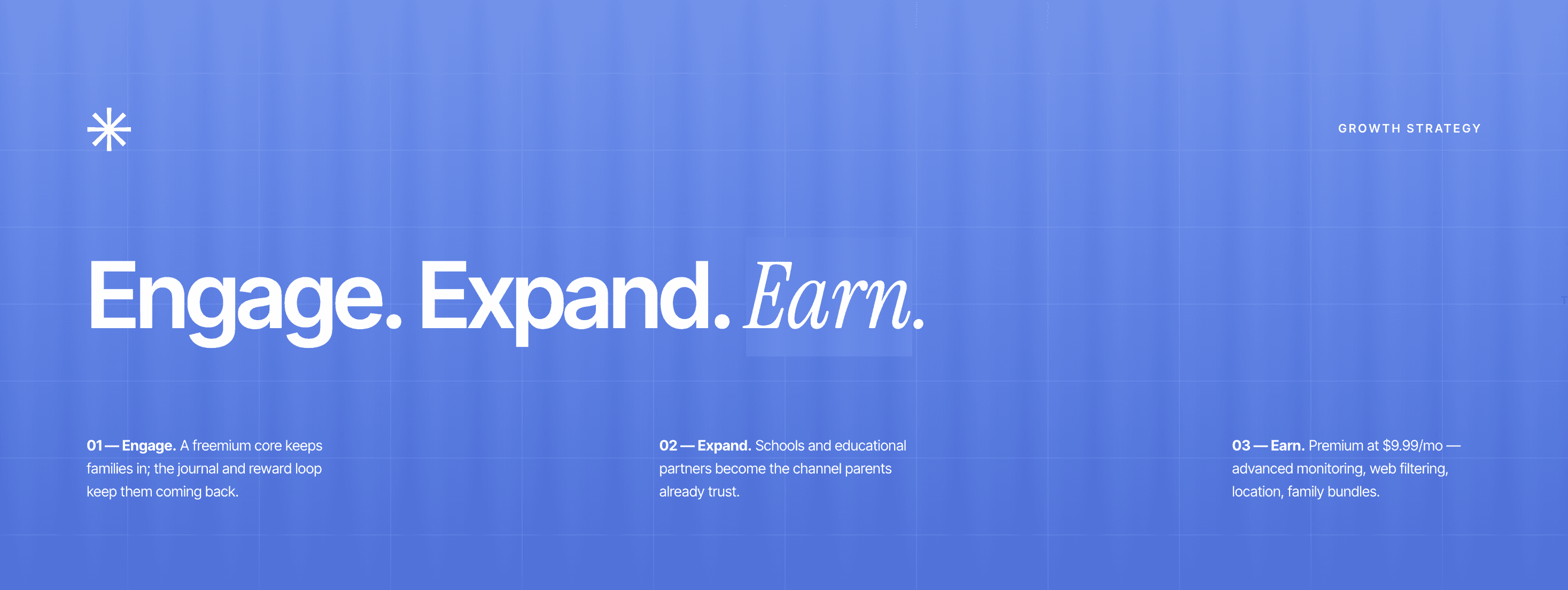
To ensure the solution delivers real value beyond the prototype, I defined the key metrics I would track to evaluate adoption, engagement, and behavioral change after launch.